
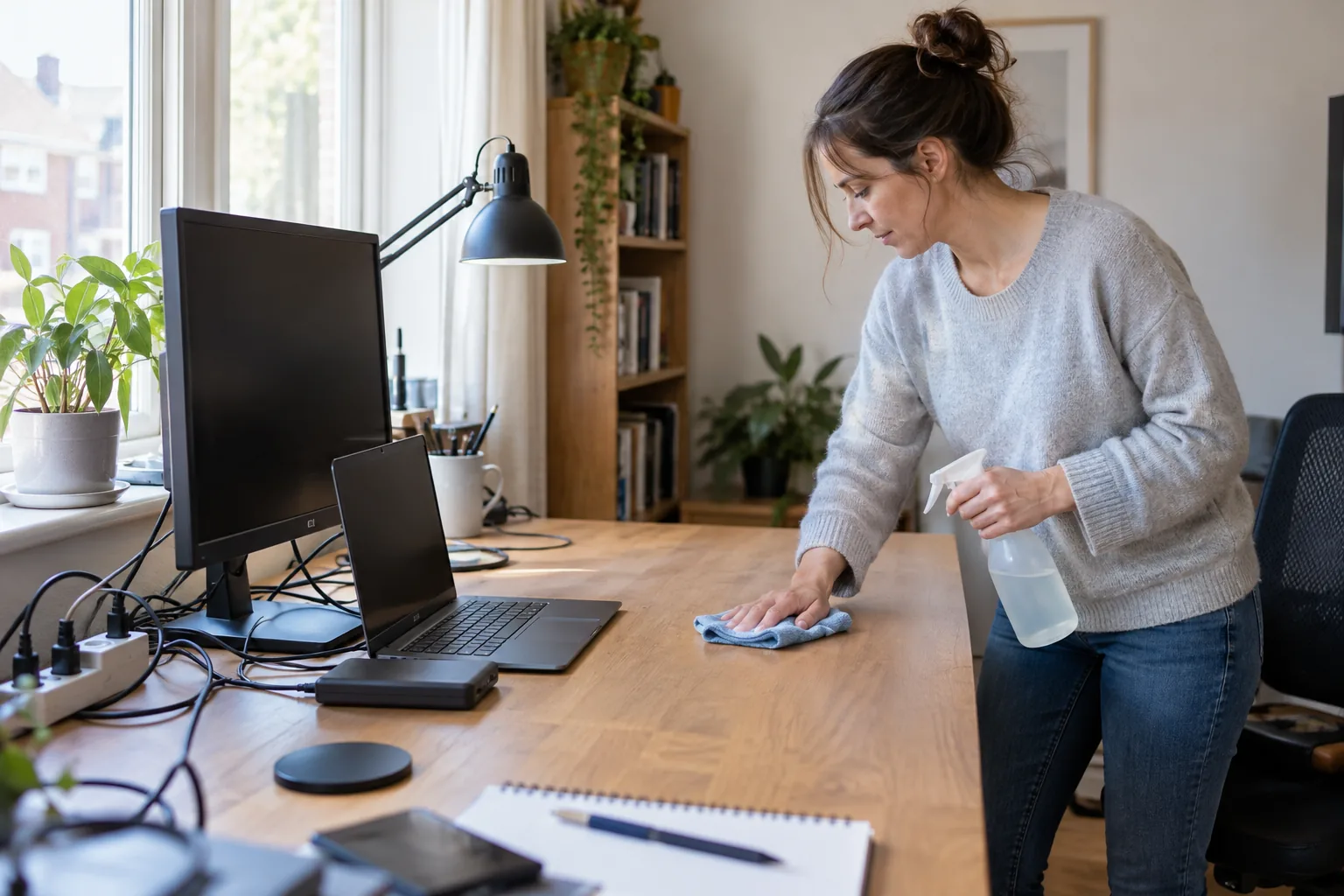
A home office is a room full of cleaning boundaries. The desktop may be ordinary furniture, but a laptop has ports, a screen has a coating and a paper stack may contain information its owner needs in a particular order. A good clean begins with access instructions and ends with the workstation usable, dry and arranged as agreed. It should never depend on a cleaner guessing which cable, document or device can be moved.
Clear papers and personal items first
The person who uses the desk should remove cups, food packaging and loose stationery, then file confidential or important papers before a visit. A handwritten note beside a keyboard might look disposable to someone else. Put it away rather than leaving the decision to the cleaner. If a bin contains both ordinary rubbish and material for shredding, label or separate it. Agree whether the cleaner may empty it at all.
Move small personal objects into a box or drawer that is out of the cleaning scope. This exposes the desktop without requiring the cleaner to recreate an unfamiliar arrangement afterwards. If any books, lamps or accessories must stay in position, point them out. A photograph of the desk before a one-off deep clean can help, but it is not a substitute for clear instructions about what may be handled.
Check drawers and shelves separately. A regular surface clean need not include the inside of a filing cabinet. To clean a shelf properly, the owner can remove its contents, allowing the cleaner to dust the empty surface and return only items that are safe to handle. Do not ask a cleaner to sort papers while also trying to keep them confidential.
Clean the desk without wetting equipment
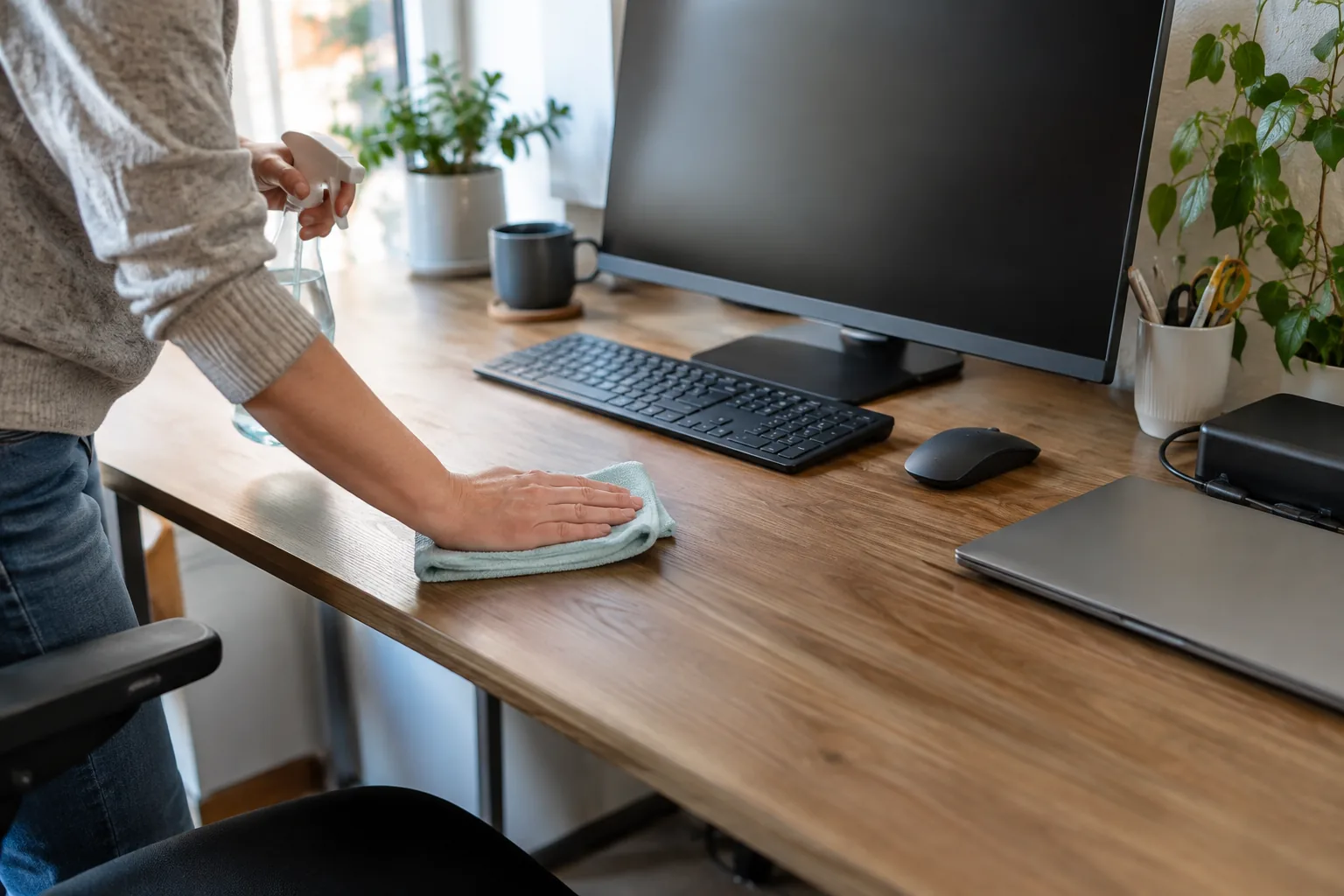
Identify the desk finish before choosing a product. Laminate, lacquered timber, oiled wood, glass and a leather writing surface can respond differently to moisture. Remove loose crumbs and dust first. Apply a compatible cleaner to a cloth rather than spraying it towards a laptop or cable hub. Use controlled moisture, then dry the desk before a mouse mat, notebook or device goes back. If the finish is unknown, test in an inconspicuous place.
Work around fixed equipment rather than reaching blindly beneath it. A monitor stand can sometimes be lifted safely by its owner; a desktop computer or docking station may have several connections and should stay put unless unplugging is agreed. Keep liquid away from ventilation openings, charging ports and sockets. A visible fingerprint on a device is not a reason to use the same product that cleaned the desk.
Check the chair and its immediate floor area. Hair and grit gather around wheels and underneath a chair mat. The mat can be moved if it is light and safe to handle; vacuum the loose debris beneath it and clean the floor by its finish. Let the floor dry before replacing a plastic mat that could trap moisture. Do not adjust a chair mechanism or oil its wheels as part of ordinary cleaning.
Handle screens, keyboards and cables carefully
A screen coating can be damaged by a household spray or abrasive cloth. Follow the manufacturer’s care instructions, switch the device off if required and use only an approved cloth or product. Apply any permitted liquid to the cloth, not directly to the screen. Do not press hard on a display to remove a stubborn mark. If a patch remains, leave it for the owner to assess with the correct guidance.
Keyboards and mice have seams that admit liquid. An exterior dust pass may be possible with a soft tool when the equipment is powered down as directed, but dismantling keys or washing inside the device is a separate technical task. If a spill has reached a port, unplugging and further handling should follow appropriate device advice. A surface wipe cannot establish that an electrical item is safe to use.
Keep cable bundles visible when vacuuming. A crevice tool can reach accessible floor edges, but it should not tug at a lead under tension. Do not pull an extension block across the floor to reach dust behind it. A frayed cable, overheating charger or loose socket is a maintenance issue to report and avoid. Cleaning around the fault is safer than trying to fix it during a visit.
Look beyond the desk surface
A home office may collect dust from paper, open shelving and carpet as well as from equipment. Work from accessible higher shelves down to the floor so loose particles are not dropped on an already cleaned desk. Ask the owner to move files and fragile objects rather than dusting around a crowded stack. A soft vacuum attachment can capture dust along skirting and upholstery, but it should be checked for grit before touching a polished chair or delicate fabric.
Window blinds and a radiator behind the desk may be hard to reach. If the chair and desk can be moved safely by the owner, prepare that access before the appointment. If they cannot, leave the hidden area on the scope note. Do not lean across a powered monitor to reach a blind or put a wet cloth near a socket to clean a radiator. The safe working route matters more than removing every speck in one pass.
Some desks are used by more than one person. Agree how shared surfaces are left between users: clear cups, place papers in personal folders and give the next person a dry desktop. A keyboard that belongs to a particular worker should not be treated as a communal hard surface without its care instructions. A simple end-of-day clear-up reduces the time a cleaner spends moving possessions and makes the more detailed weekly clean useful.
Agree the boundary for a regular visit
Write a short scope the cleaner can use each time: accessible desk surfaces, open shelves, chair exterior and floor edges, for example. List exclusions such as monitors, cable hubs, document piles and the inside of drawers. If the room is used for video calls or work during the day, reserve a period when the desk can be cleared and left dry. A cleaner should not have to pause repeatedly while equipment is in use.
A domestic cleaning visit can include a prepared home-office room within its agreed priorities. If the property has several workstations or business-use rooms, discuss the distinct scope of office cleaning. The relevant service depends on the space, access and tasks, not simply on the presence of a computer. For rotating less-used shelves or storage areas, the room-rotation guide may help.
Check the workstation after cleaning
Let the desk and floor dry before switching on or replacing equipment. Confirm that no cable has been caught under a chair wheel, mat or furniture foot. If small items were moved by agreement, return them to the recorded positions. Look at the screen and desktop in even light for cleaner residue; a damp sheen can hide a streak until later.
Note anything that prevented access, such as a fixed computer tower or a cable tray, rather than describing the entire area as finished. Report visible damage or a loose connection separately from dust. An office clean succeeds when the surfaces that could safely be reached are clean and the user can resume work without having to untangle cables or search for papers.
Review the instructions when the workstation changes. A new standing desk, extra monitor or different floor mat may make the old cleaning route impractical. Update the boundary before the next visit, especially if another user now shares the space or confidential material is stored in a different place.